
Many tools, three layers.

The tools do the work, and each one is also a standalone executable you can use on its own. The orchestration apps make them work together. The control apps look after the whole. Each layer talks to the one below over MCP, the same protocol everywhere.

1

Control apps

Start, watch, set the AI and protect your personal information.

2

Orchestration apps

Put the tools to work for a person, a long task or a process.

3

Tools

One precise job, one window, MCP functions anyone can call.

Documents

Write, review and publish, with AI alongside.

Screenshot of Quarto

Quarto

Documents

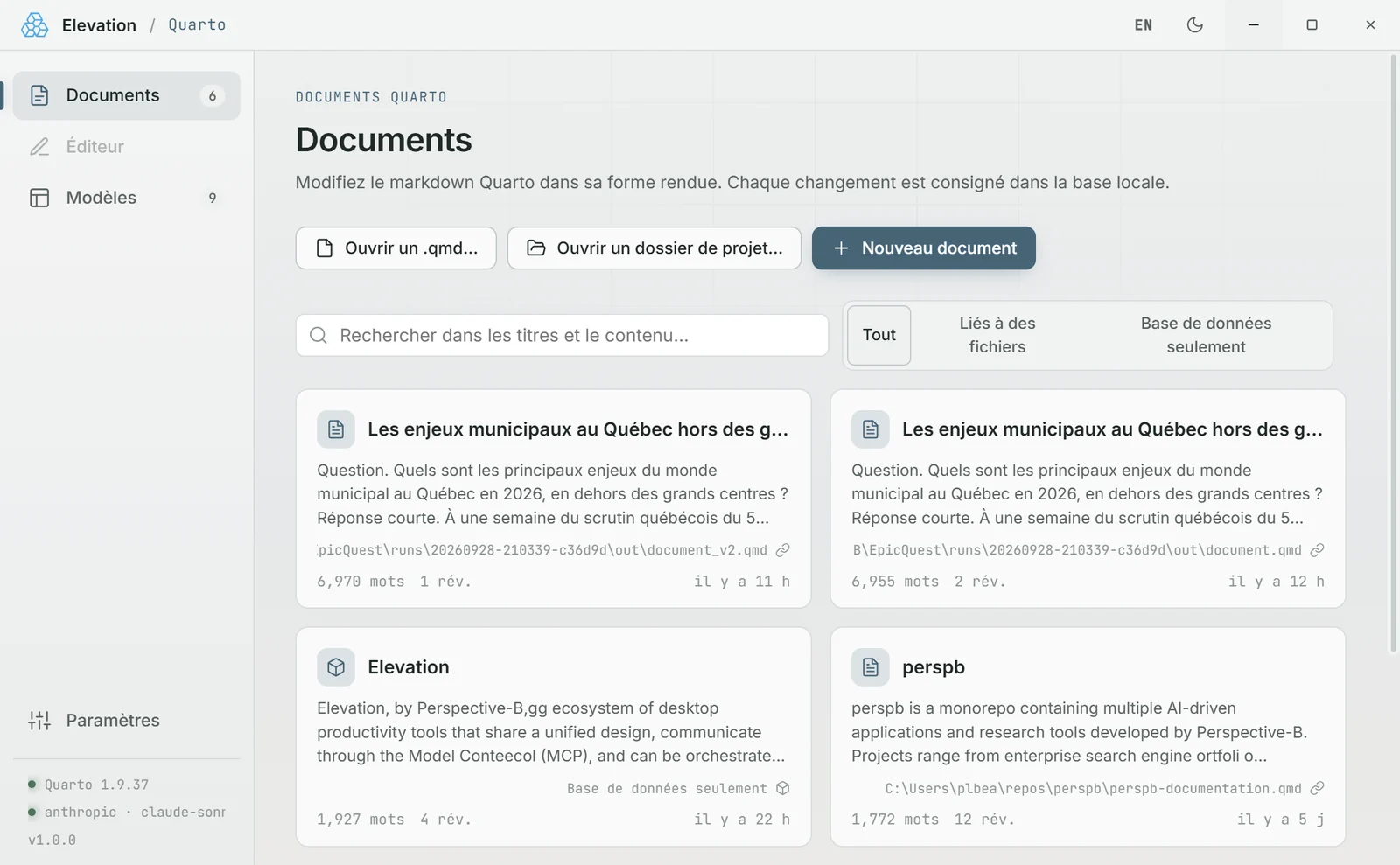
Write, review and render Quarto documents, on your own or with the agent.
  • Start from a template or an existing document
  • AI review, or a first draft from a folder
  • HTML or PDF rendering on your machine
MCP serverAI
Screenshot of HTML

HTML

Documents

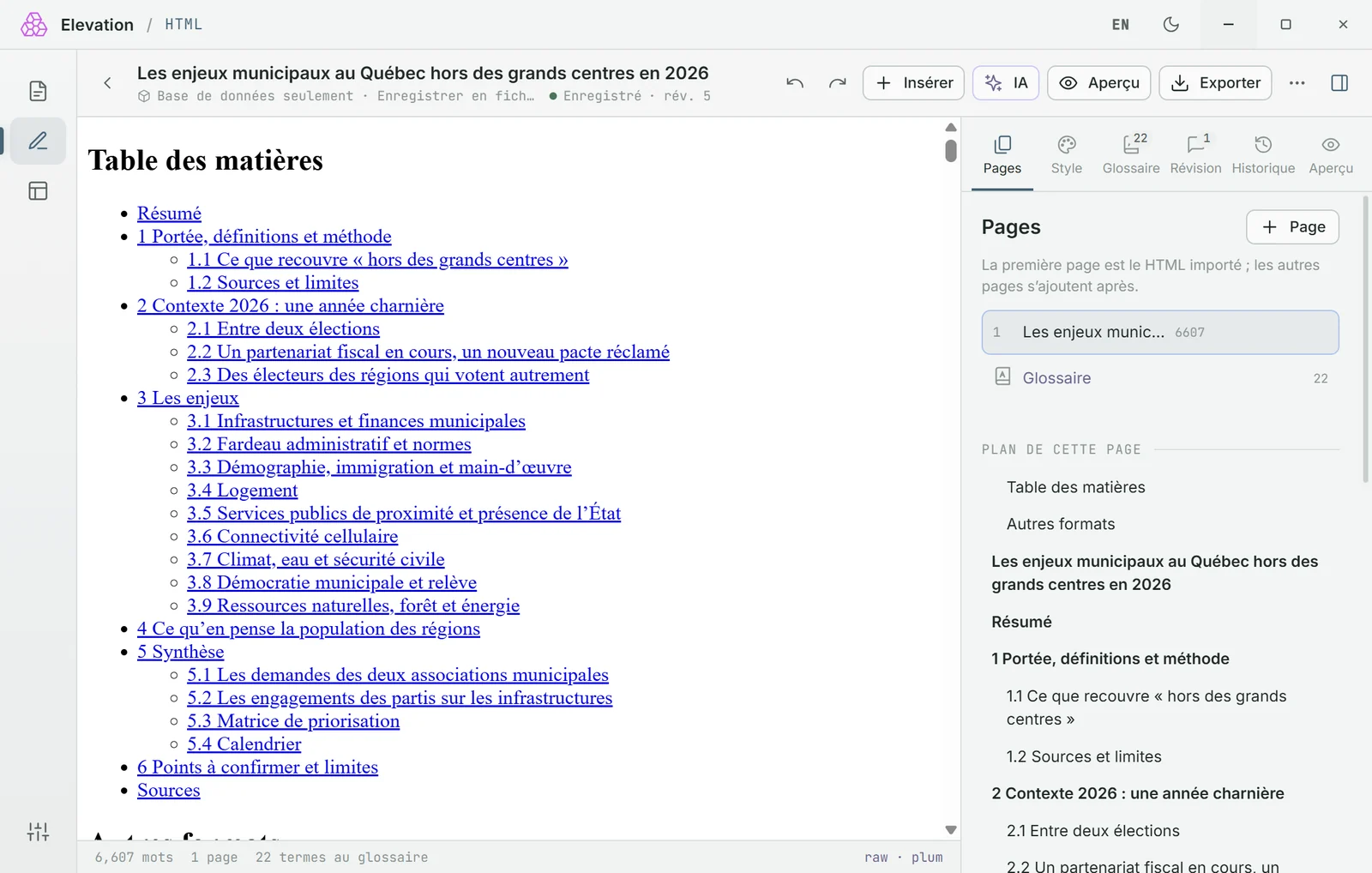
Documentation written directly in its final form: the page, exactly as it will be read.

  • Templates: scoping note, book, report…
  • AI writing, review and glossary
  • Version history, self-contained HTML or PDF export
MCP serverAI

Data

Store, query and show your numbers.

Screenshot of SQLite Bridge

SQLite Bridge

Data

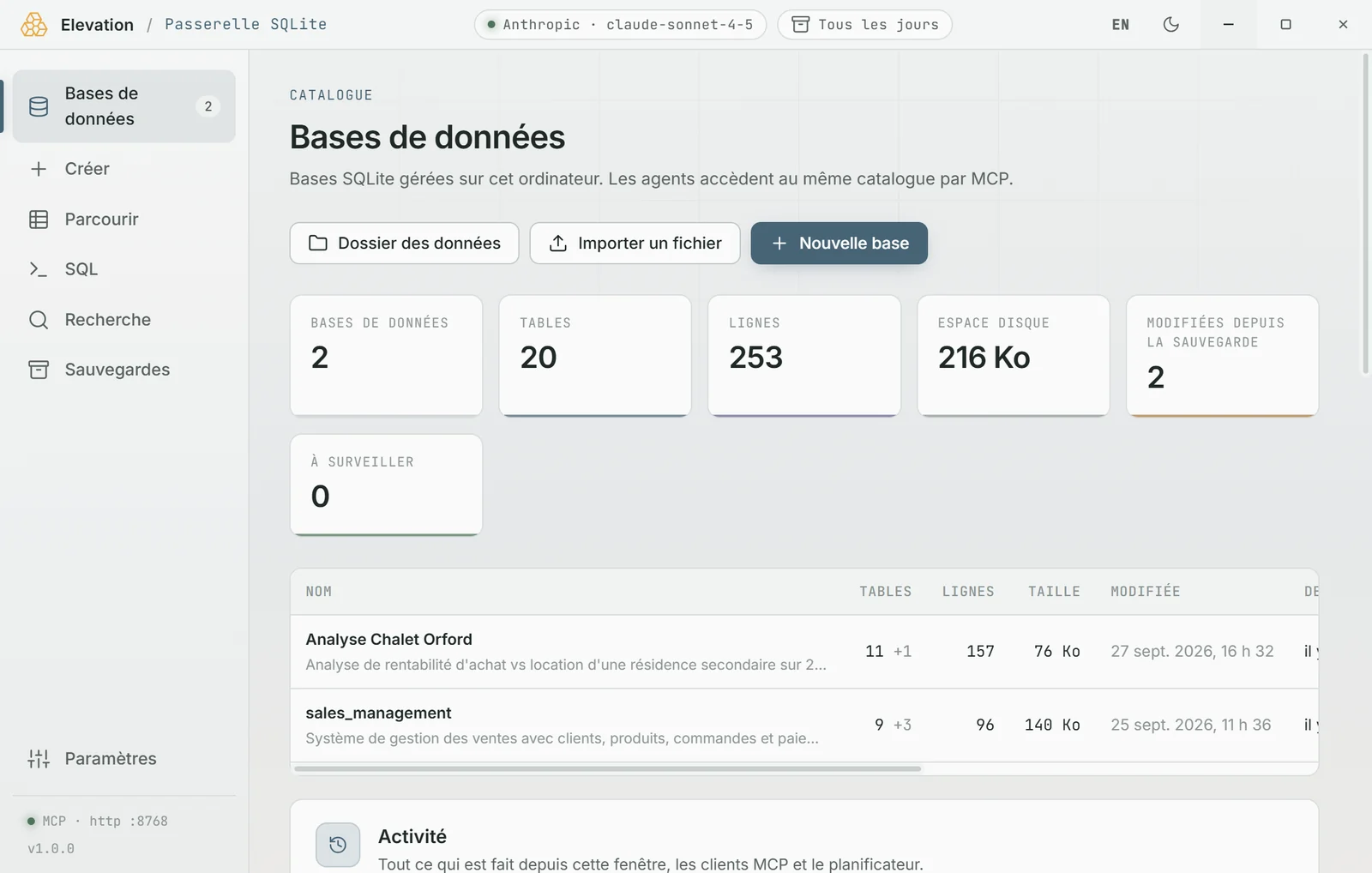
A catalogue of SQLite databases on your machine: create, browse, query, import, back up.
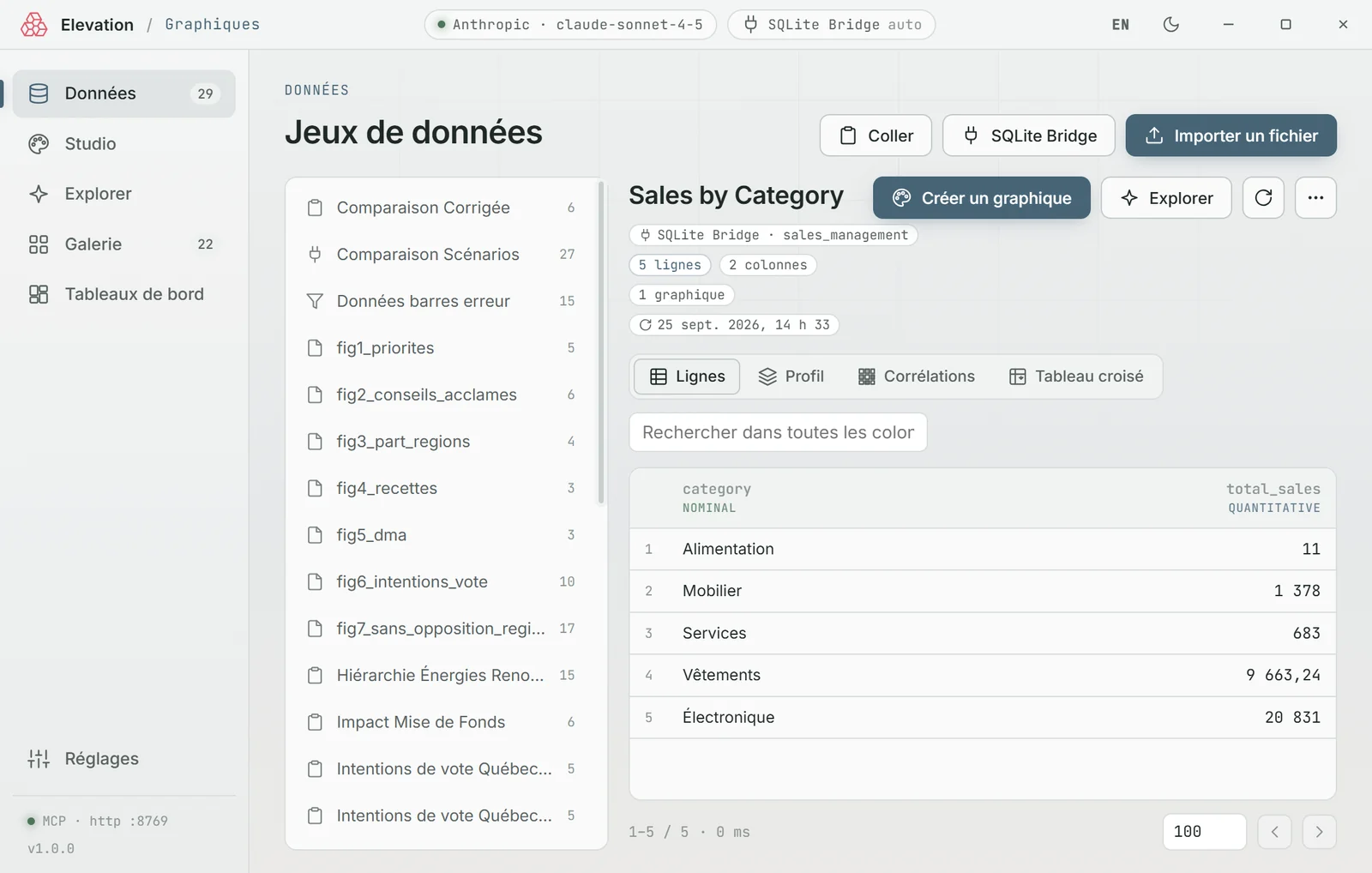
  • CSV, Excel or SQLite import, types detected
  • Assisted SQL: the AI sees the schema, never the rows
  • Full-text or semantic search, scheduled backups
MCP serverAI
Screenshot of Graphics

Graphics

Data

Charts, tables and dashboards from CSV, Excel, Parquet or SQLite Bridge.

  • Column profile and pivot tables in one click
  • The AI suggests a chart from the profile, never the rows
  • PNG, SVG or self-contained HTML export
MCP serverAI

Research

Follow what gets published, and sort it for you.
Screenshot of RSS Intake

RSS Intake

Research

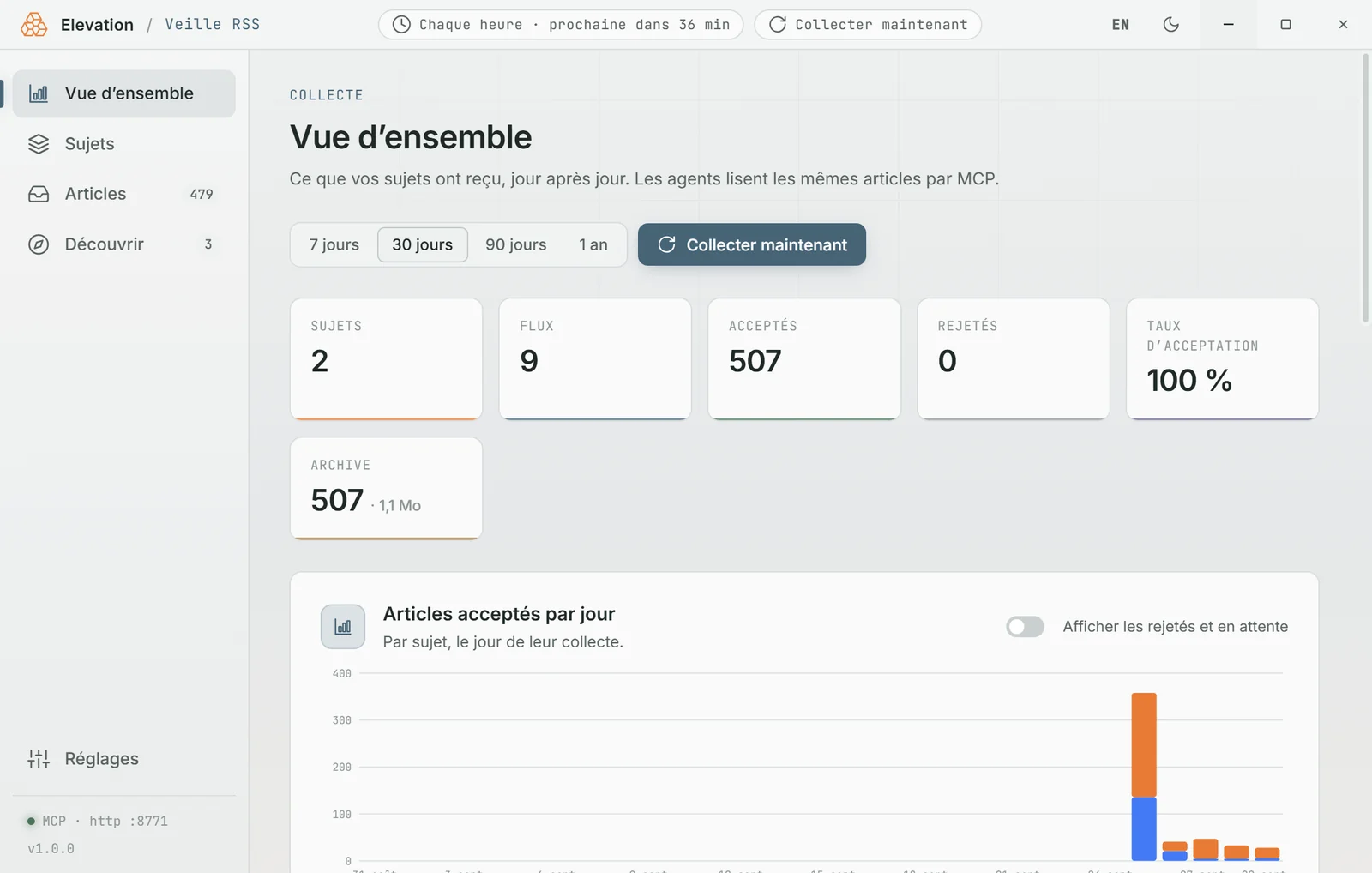
RSS feeds grouped by topic, sorted by rules and an AI filter, then handed to agents.
  • Keywords, maximum age, duplicates skipped
  • AI filter with one instruction per topic
  • New feed discovery, OPML import and export
MCP serverAI
Screenshot of Web Search

Web Search

Research

Web search for people and agents, with free engines or paid APIs.
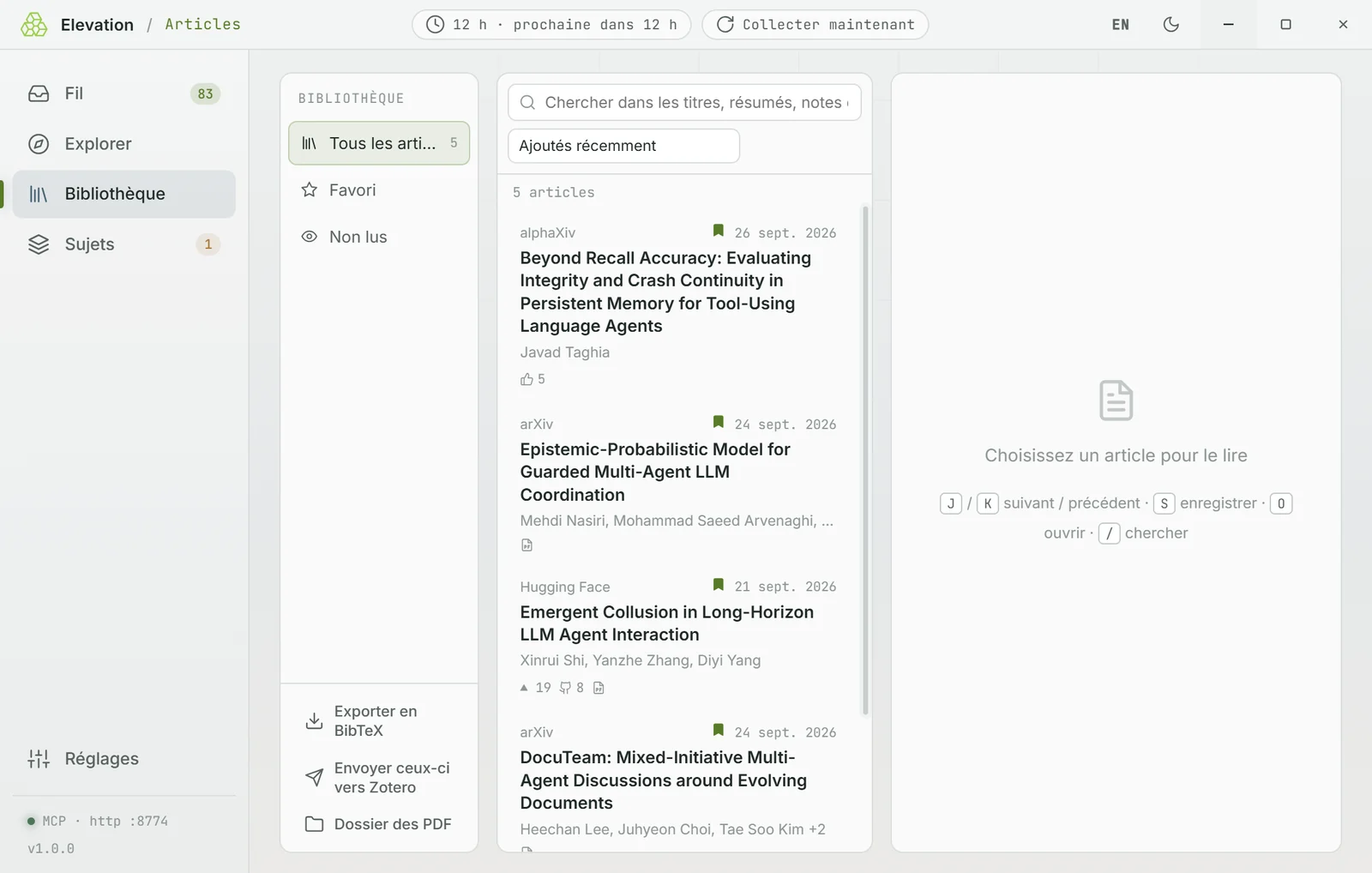
  • DuckDuckGo, Wikipedia and SearXNG, no account
  • Brave, Tavily, Google, Exa, Kagi… with automatic fallback
  • Pages read in reader mode, monthly cap
MCP server
Screenshot of Papers

Papers

Research

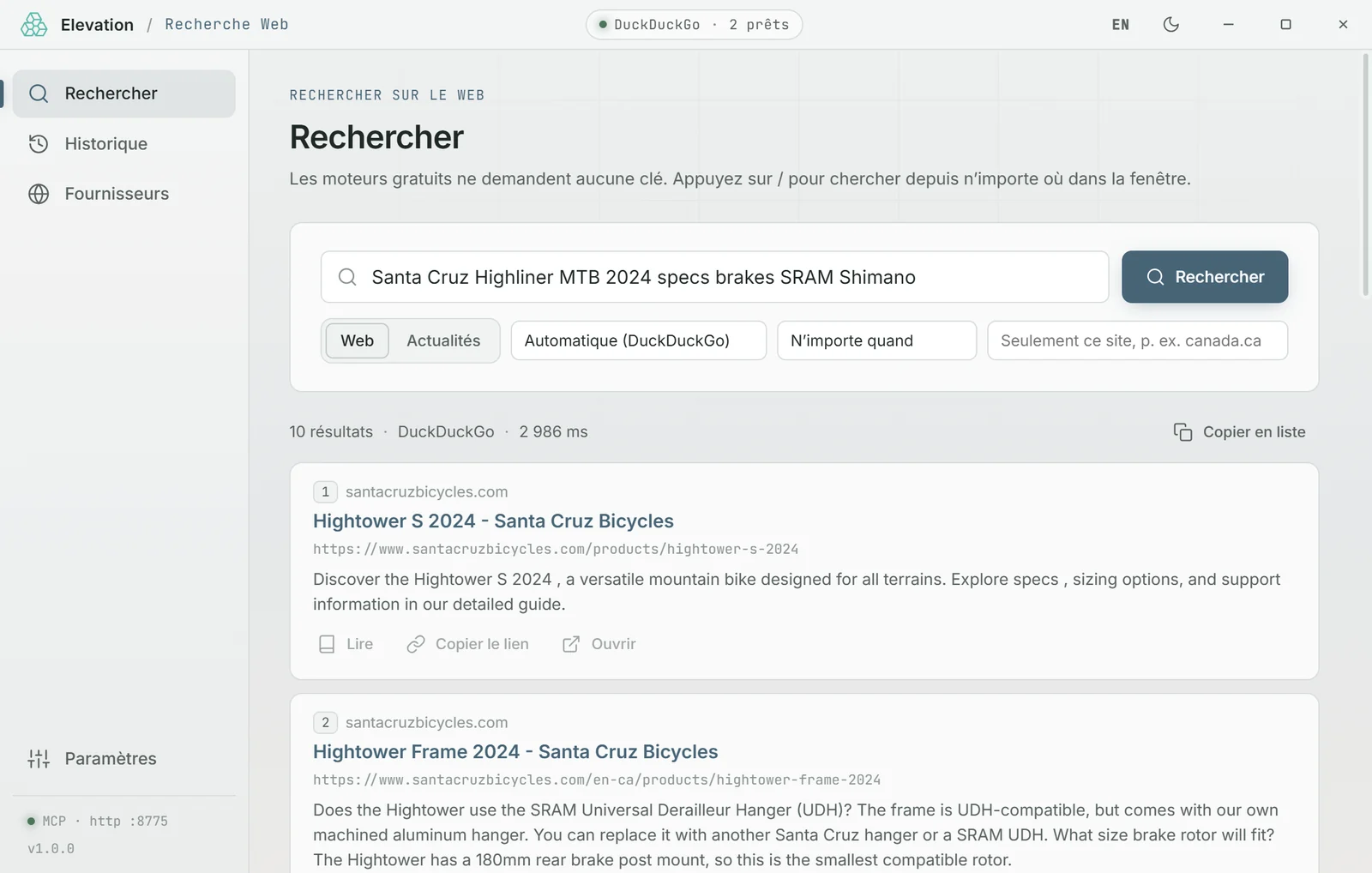
Research monitoring across arXiv, alphaXiv, Hugging Face, OpenAlex and Europe PMC.

  • Topics, filters and ranking of new papers
  • Local library: PDF, full text, BibTeX
  • Send to Zotero, searchable by the agent
MCP serverAI

Office

The repetitive, everyday tasks.

Screenshot of Receipts

Receipts

Office

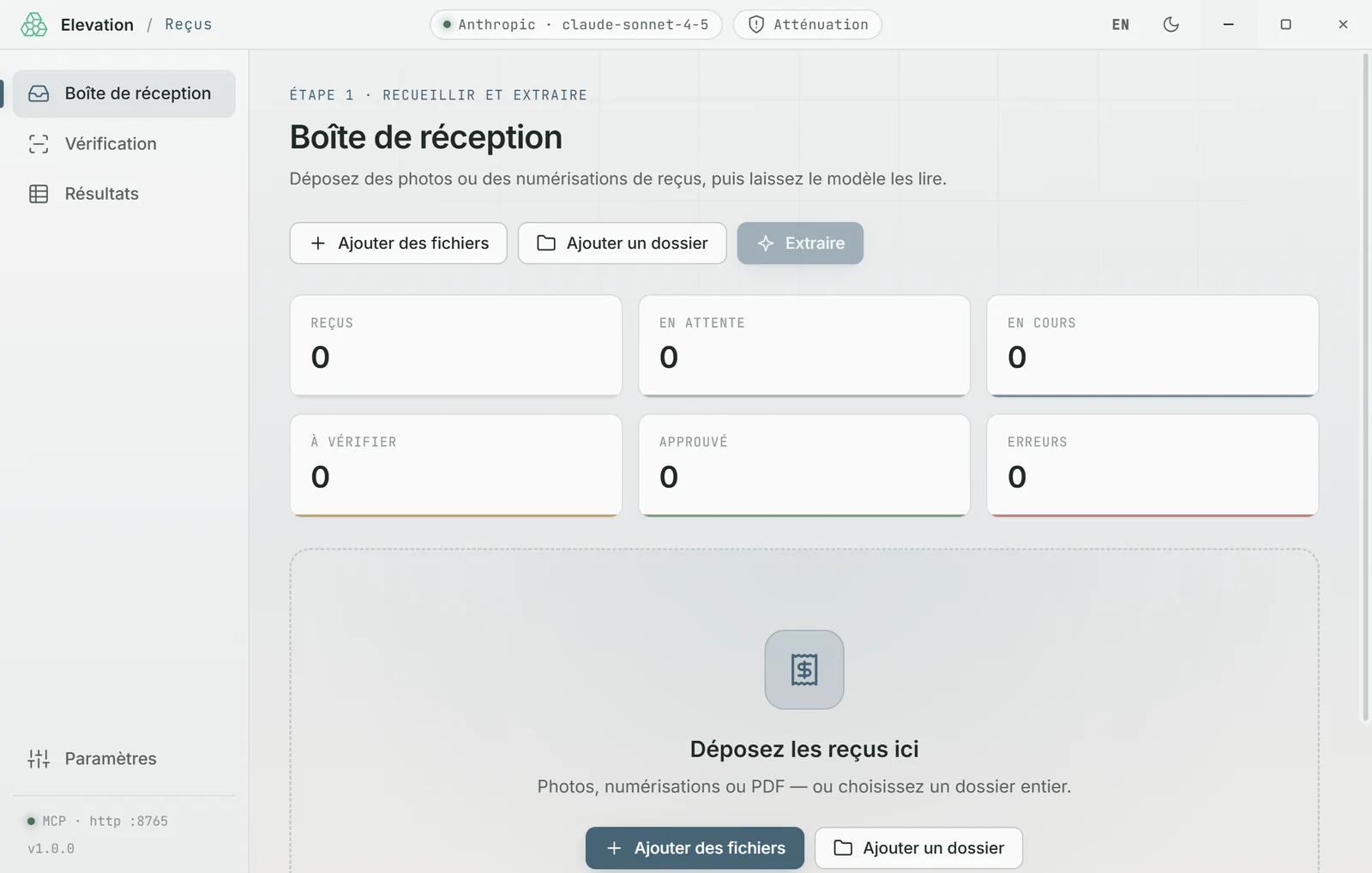
Photos, scans and PDFs of receipts into a spreadsheet, read by a vision model.
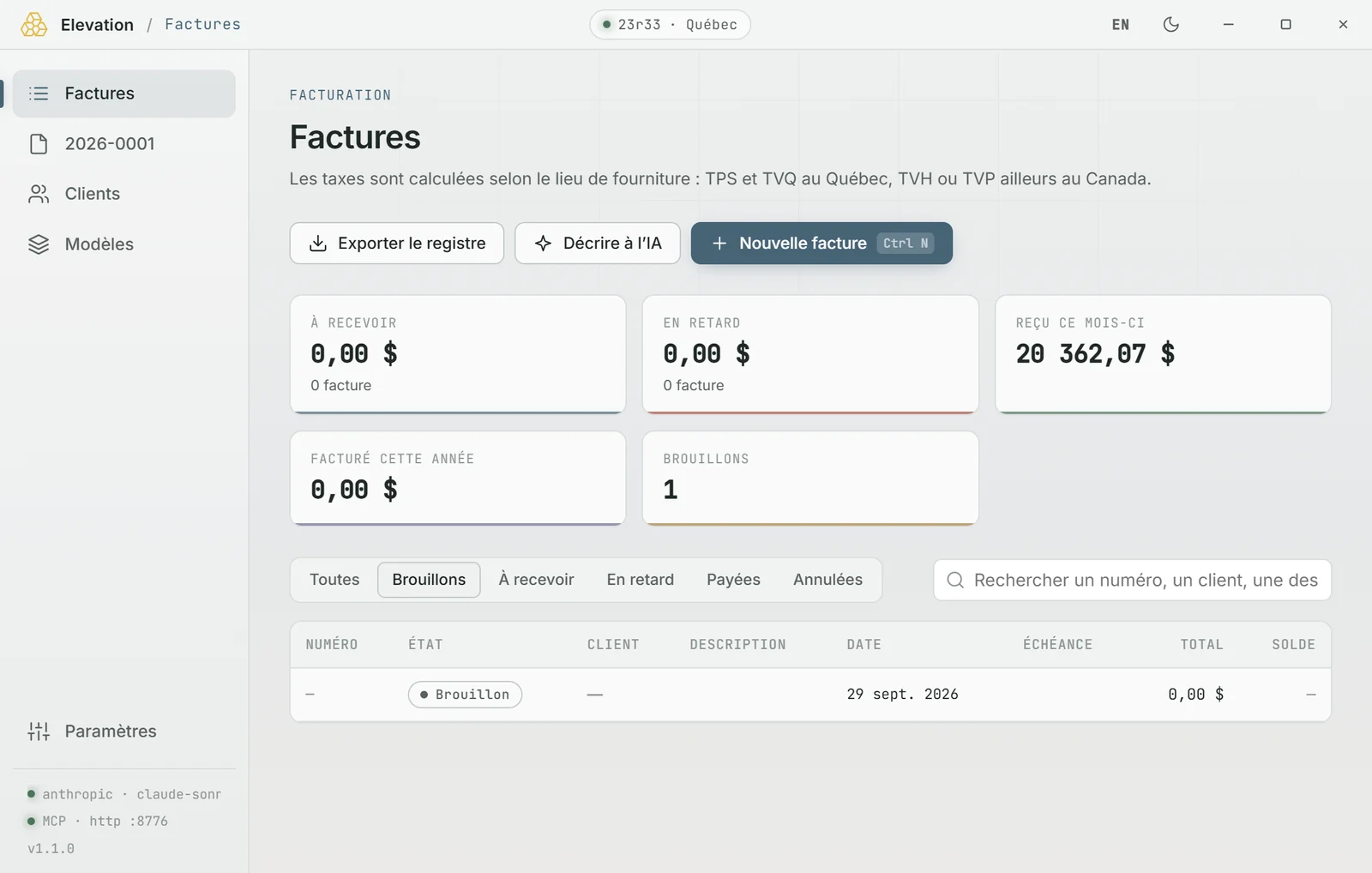
  • GST, QST, HST and totals checked live
  • Side-by-side review: the image and the fields read
  • XLSX or CSV export, or append to a master workbook
MCP serverAI
Screenshot of Invoices

Invoices

Office

Canadian invoices, in French by default, with each province’s taxes computed for you.
  • GST/QST, HST or PST by province
  • Clients, templates, numbering, payments, PDF and register
  • AI writes and borrows an existing invoice’s style; taxes stay computed locally
MCP serverAI
Screenshot of Emails

Emails

Office

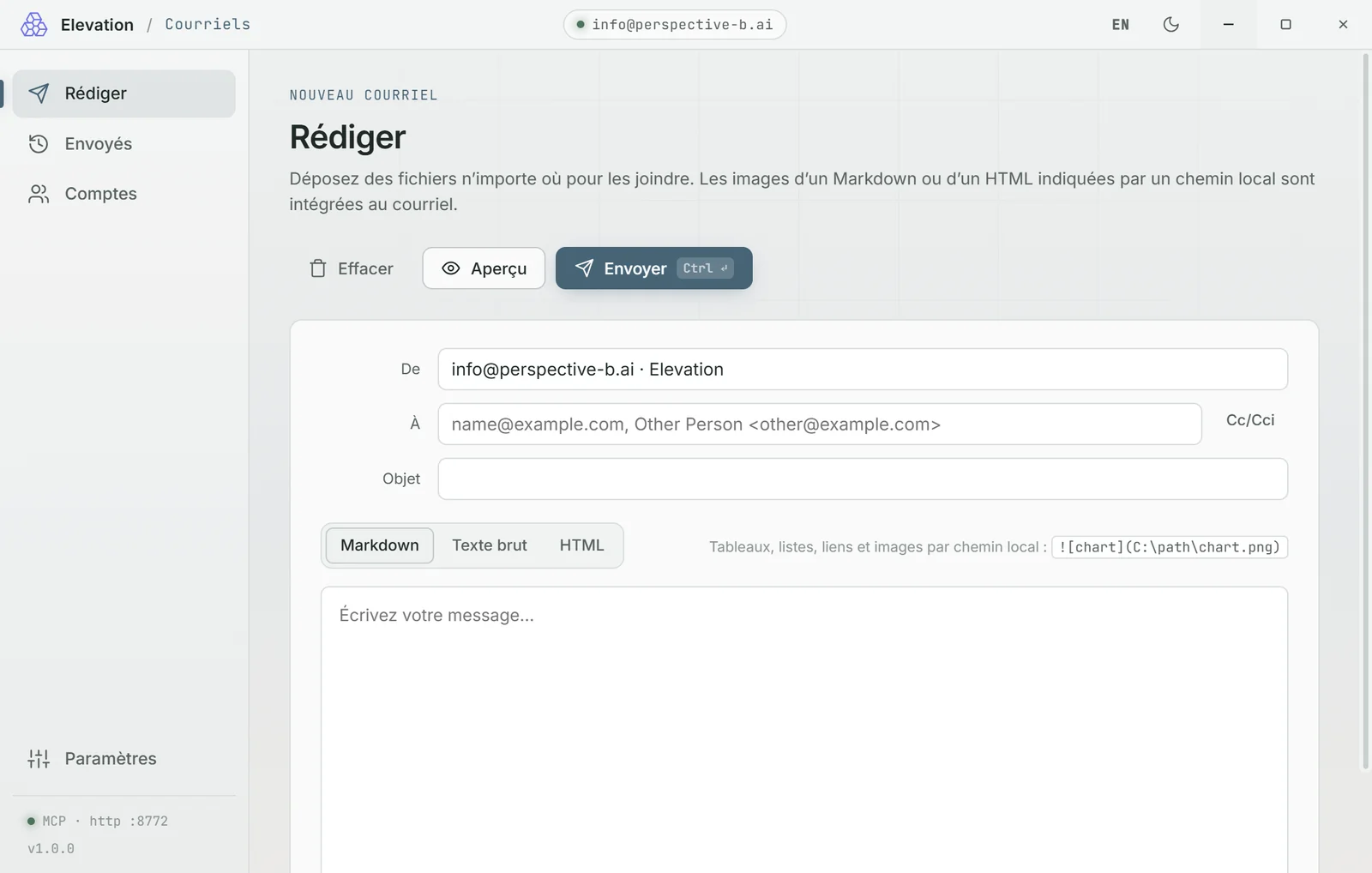
Emails with attachments, tables and images, sent by you, the agent or a script.

  • SMTP (Gmail, Outlook…), Gmail API, Microsoft 365
  • Allowed-recipients list for agents
  • Drafts mode to review everything before it goes out
MCP server

Orchestration

Layer 2 · the apps that put the tools to work.
Screenshot of Agent

Agent

Orchestration

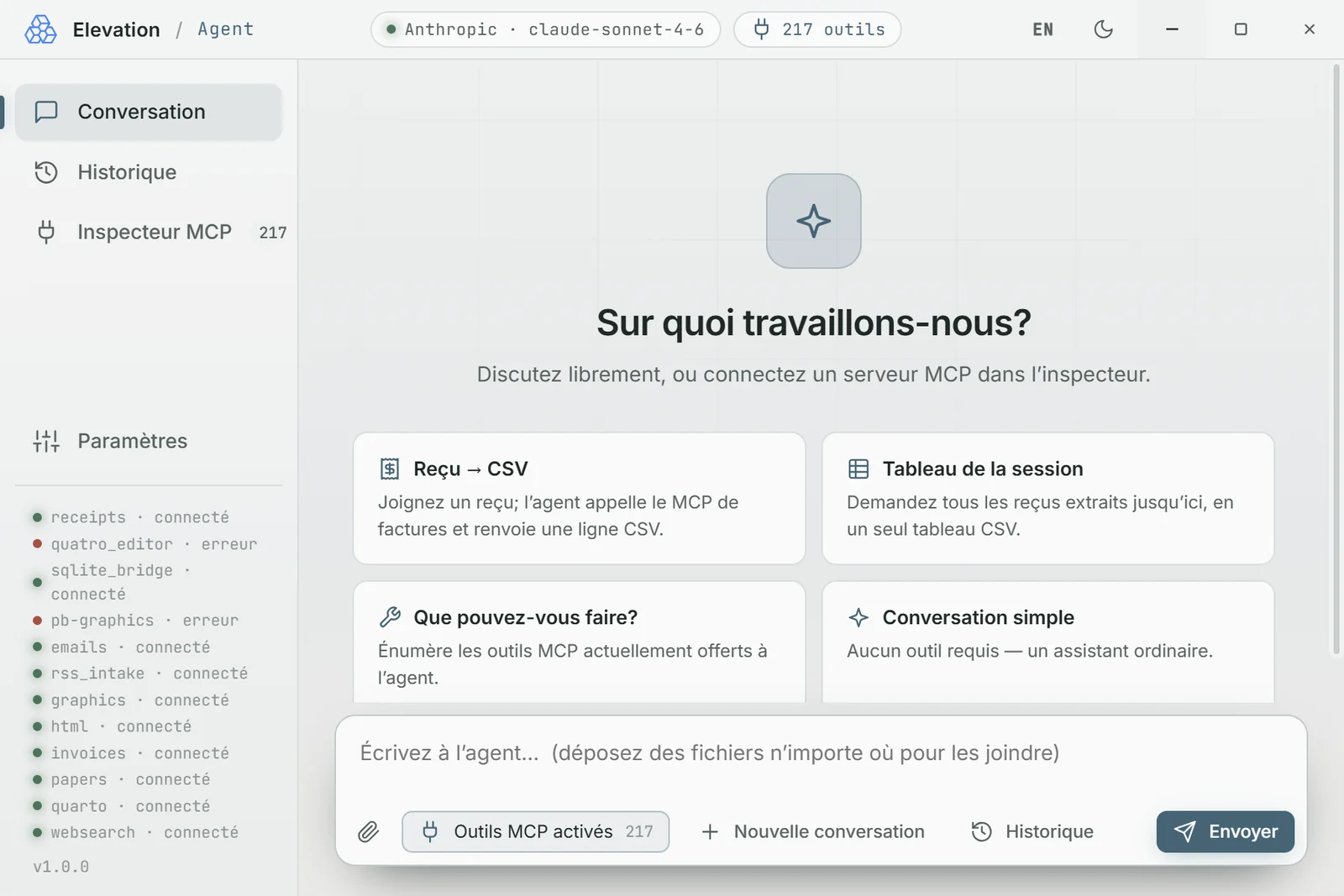
A conversation that calls the tools for you, and shows you every call.
  • More than 200 tool functions over MCP
  • Anthropic, OpenAI or a local model
  • Conversation history, MCP inspector
MCP clientAI
Screenshot of EpicQuest

EpicQuest

Orchestration

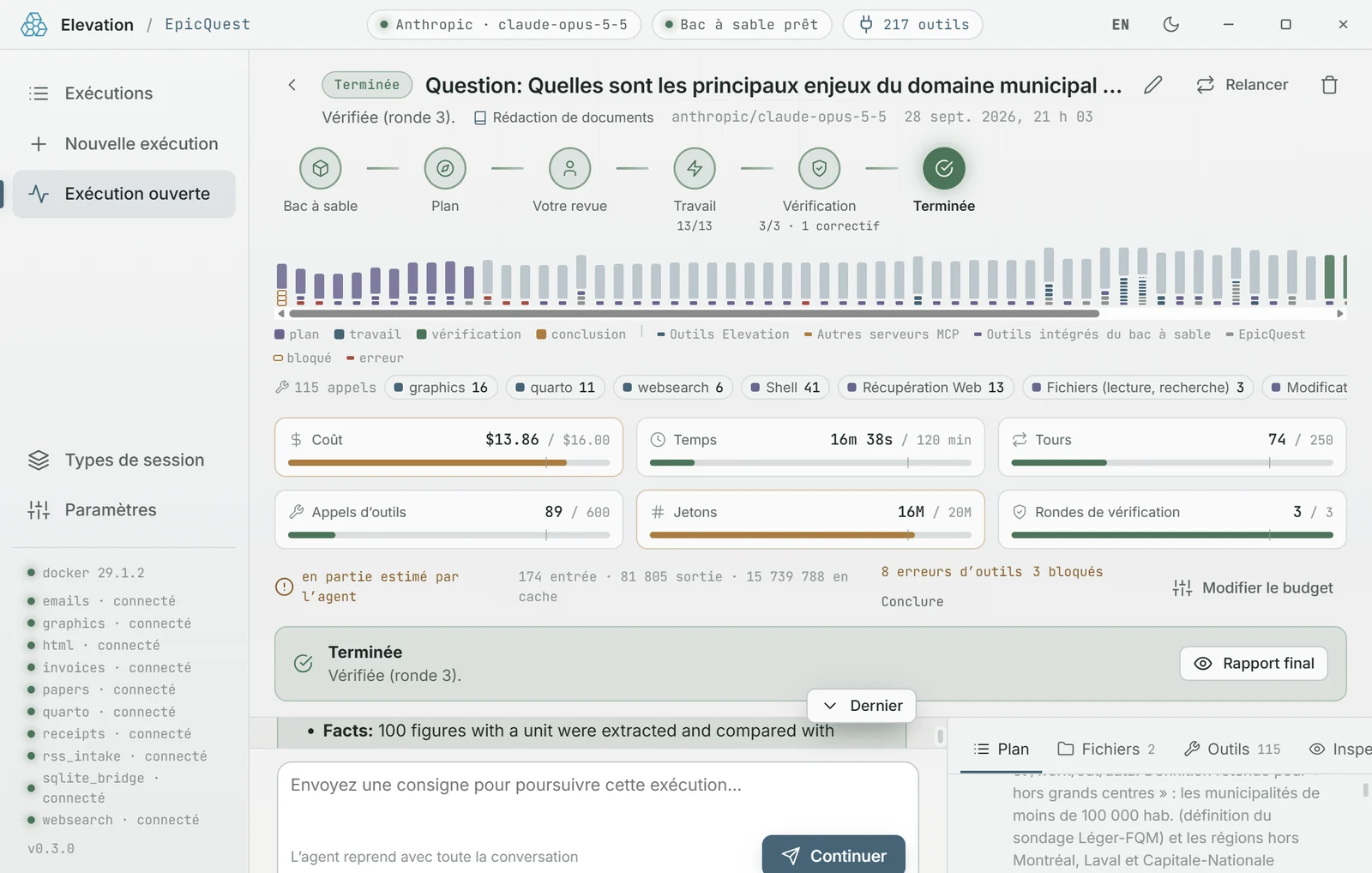
Long tasks handed to an agent in a Docker sandbox: code, files, research, month-end work.
  • Budget in cost, time, turns and tool calls
  • Session types: writing, coding, research…
  • History and calendar of past runs
MCP clientAIDocker
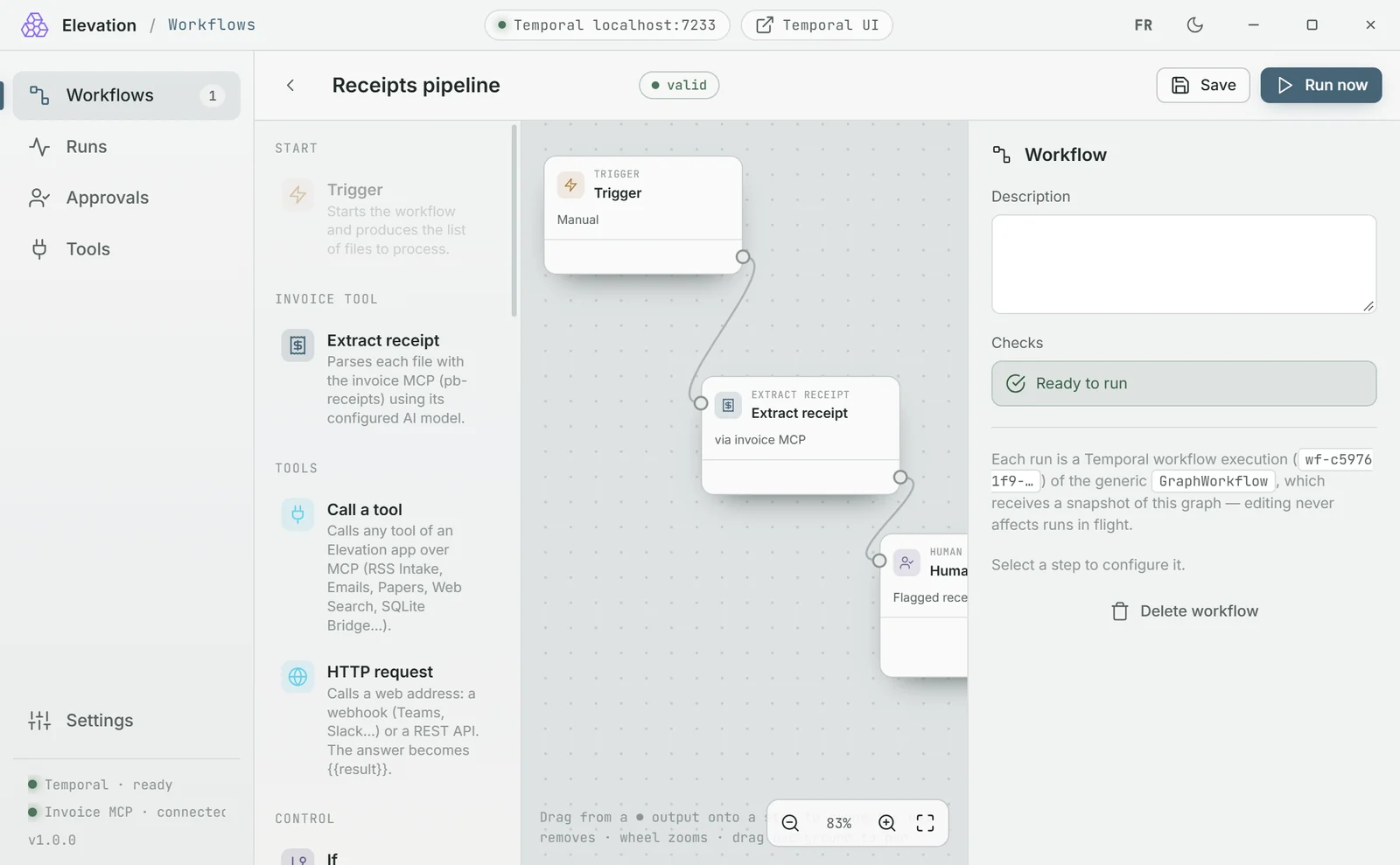
Screenshot of Workflows

Workflows

Orchestration

Durable pipelines on Temporal: a trigger, the tools, conditions, a human approval.

  • Manual start or folder watch
  • If, for each, wait, approval, fail
  • Retries and history of every run
MCP client

Control

Layer 1 · start, watch and protect the whole.
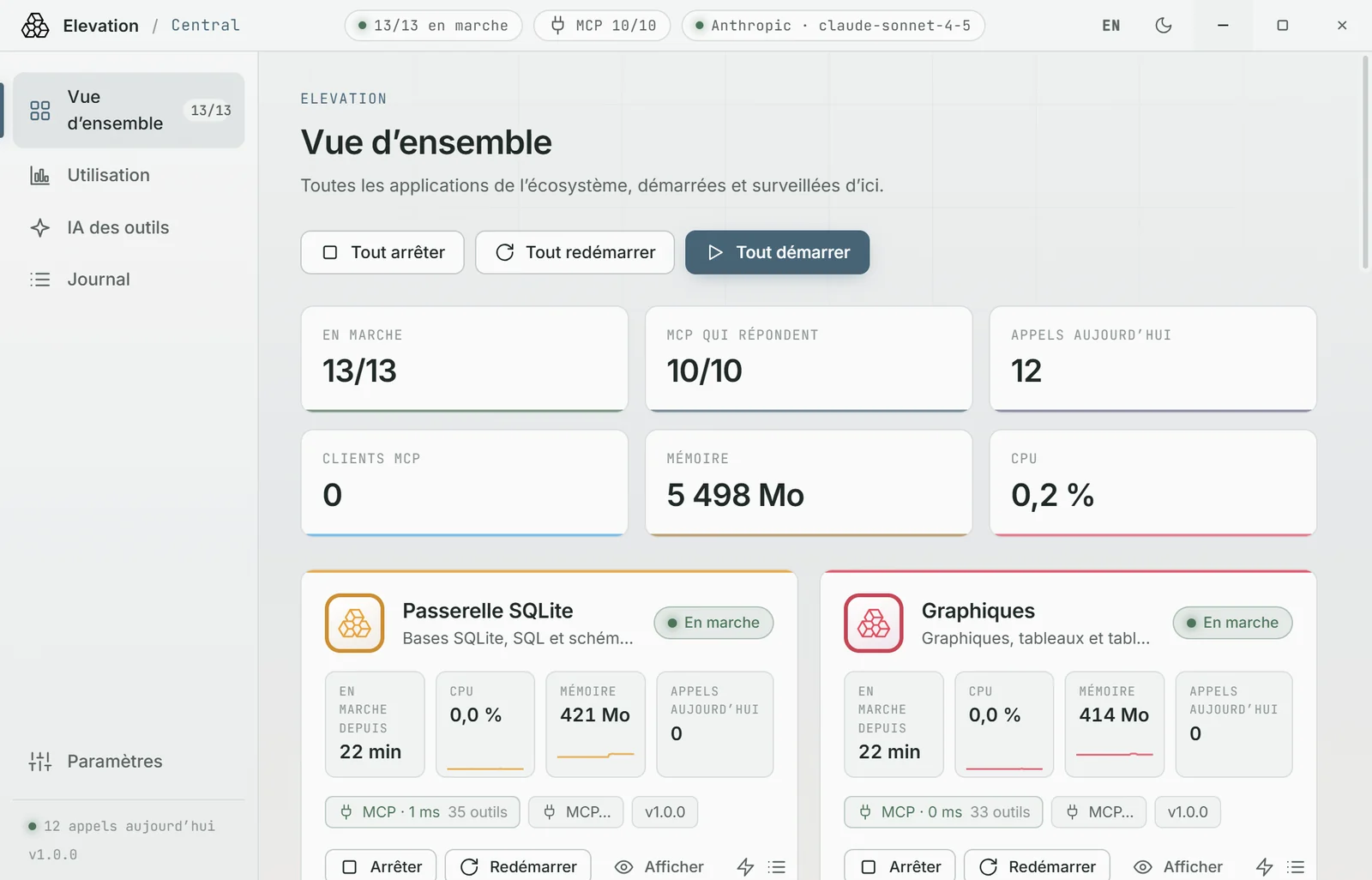
Screenshot of Mastermind

Mastermind

Control

The single entry point: starts every app, watches its health and sets the AI of every tool.

  • State, CPU, memory and MCP health of every app
  • Automatic restart after a crash
  • Usage per tool, without ever recording your data
MCP client
In developmentSee how it works →

PII Shield

Control

A local relay between your apps and AI models: personal information is swapped out before sending, then put back in the answer.

  • Names, companies, addresses, emails, phones, numbers
  • Consistent stand-ins: the model keeps the thread
  • The lookup table never leaves your machine
In development
Custom

Yours

A tool designed for your trade, speaking the same protocol as all the others.

Let’s talk →

Missing a tool? We’ll build it.

Our engineering services extend the ecosystem: a trade-specific tool, a connector, a custom workflow. You own the result.